This page will help you get started with Papaya Events API.

With Papaya webhooks you can subscribe to create and update events on tickets you are participating in. Additionally, you can ensure that all your vehicle information is kept up to date.
Webhook notifications are sent as HTTP POST requests to a URL of your choosing. To integrate with webhooks, you need to implement a server endpoint that receives and handles these requests.
For tickets, the webhook payload contains information regarding the ticket, hub, user, fleet, service provider and vehicle. We will send a notification when the ticket is created, when the ticket is assigned to you, and when a ticket is updated.
For vehicles, the webhook payload contains the vehicle information, and you will receive a notification when a new vehicle is created or an existing one is updated.
Subscribing to webhooks via the Dashboard
Login to the Dashboard, click on Settings from the menu, select the Integrations tab and you'll have access to the webhooks creation and Integrations interface.
https://papayadash.com/organisation/settings
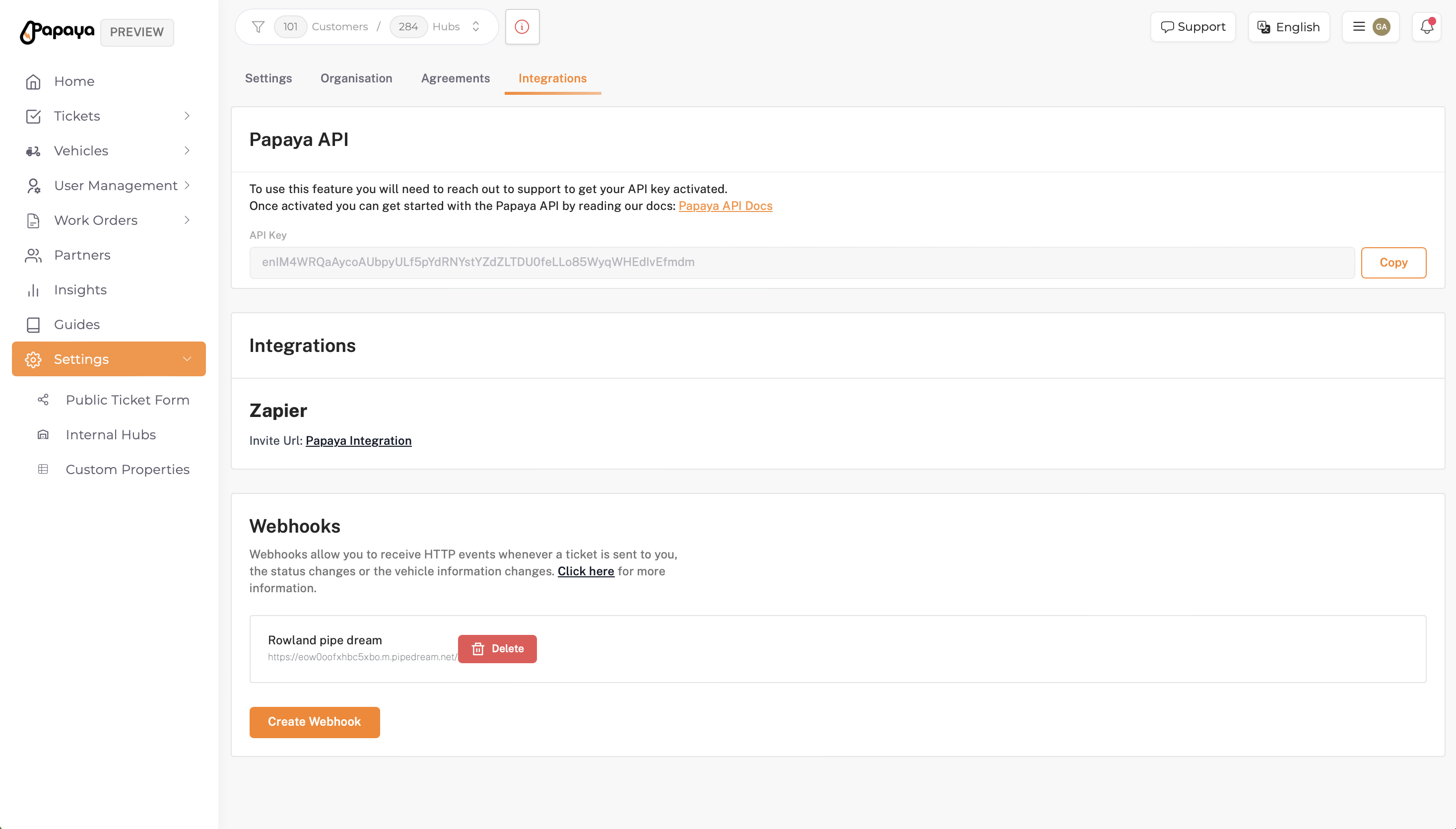
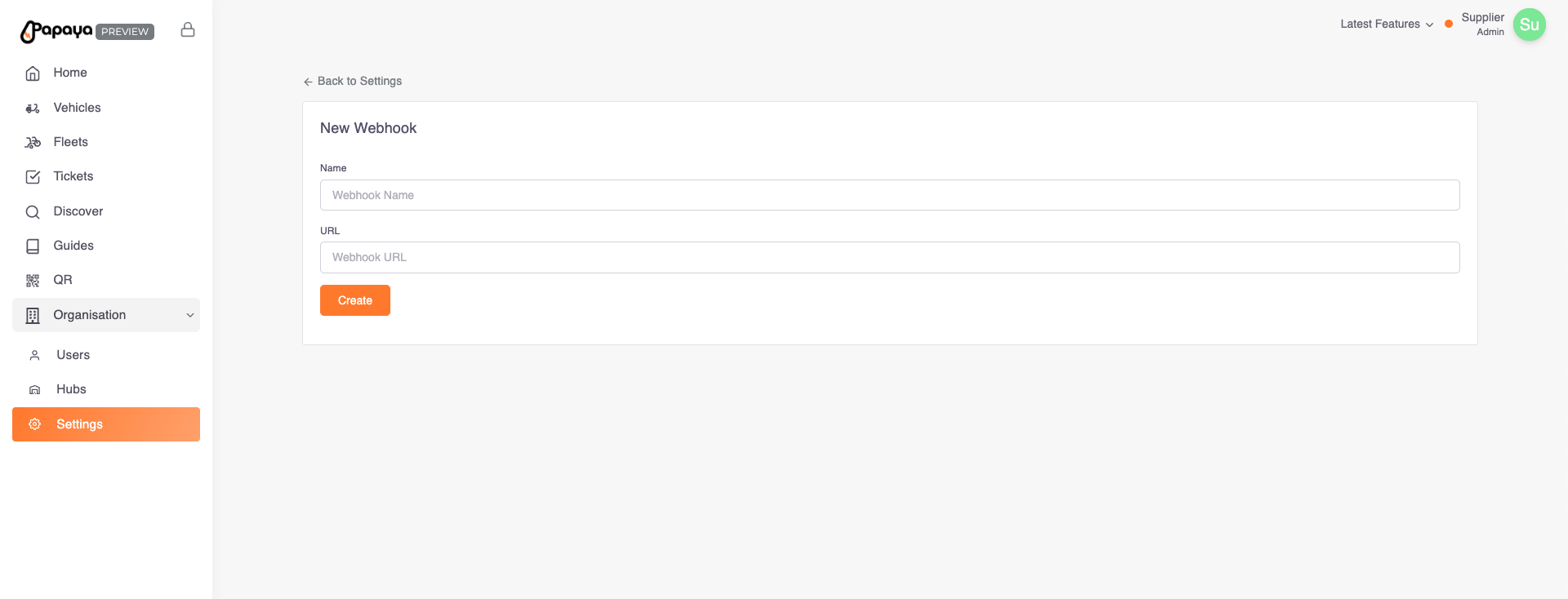
To add a new webhook, click on the 'Create Webhook' button, this will open a page where you can enter a name, url and api-key.